
$10+
North (PC | Opti | Face Tracking | Quest)

" North "
Immersion
- Facetracking (UE)
- Blinking Animation
- Index Gestures
Systems
- Limb-Scaling
- SPS
- Physbones
- GoGoLoco
Customization
- Full-Body Tracking / Dance Ready
- Custom Assets
- Menu Icons
- Brightness Slider, HDR Slider, World Light Hue Slider
- Lighting Sliders make the lighting in every world suit your preference

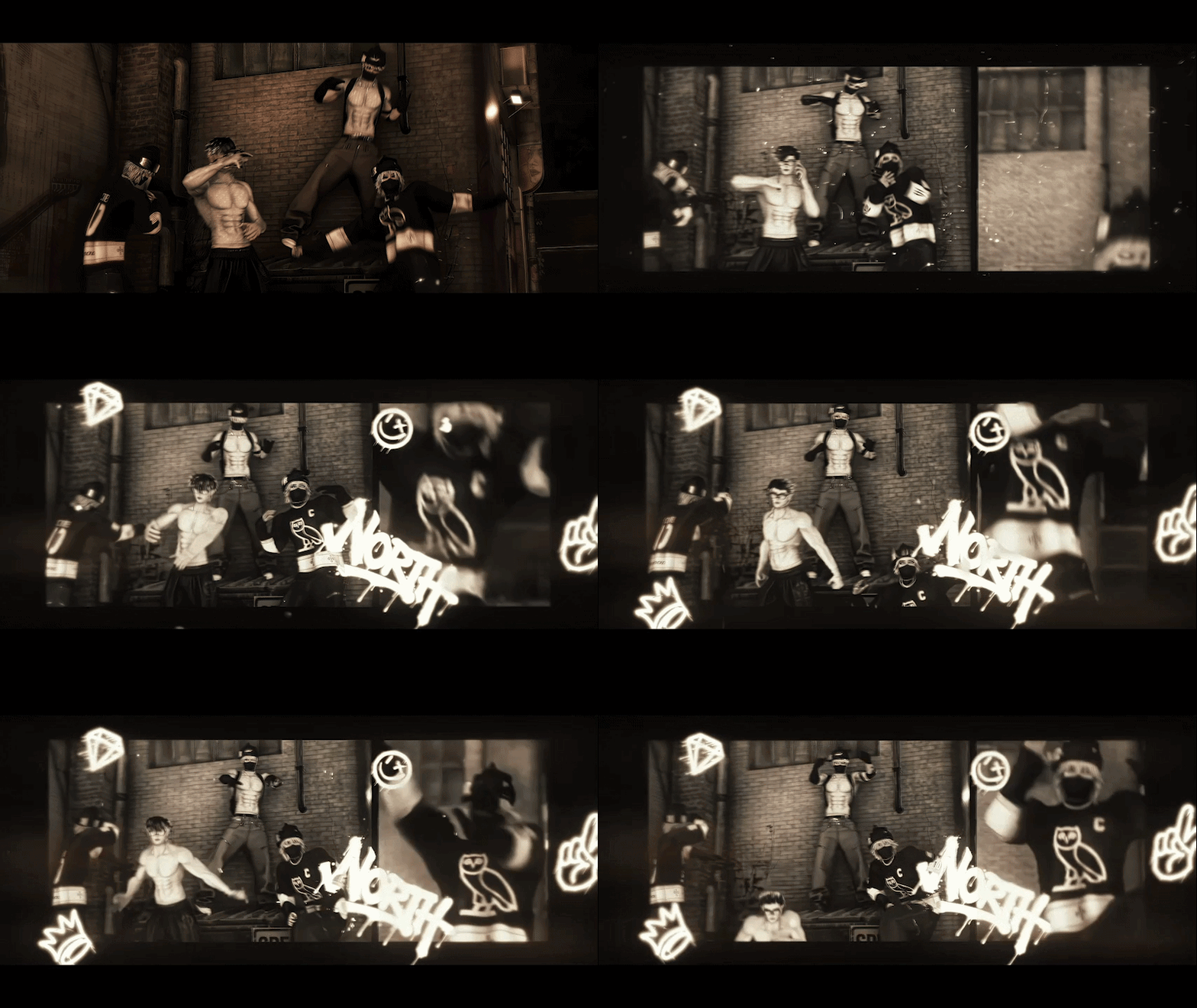

Toggles
- 5 Hairstyles
- Accessories: Beanie, Hat, Slavic hat, Ushanka, Ski Helmet, Glasses, Band-Aids (Nose & L/R Cheek), Mask, Gloves (L/R), Scarf, Lace Choker, Backpack, Arm Bandana, Elbow Sleeve, Forearm Sleeve, Pupper Ears
- Jewelry: Cross Earring, MNE Earring, SPKE Earring, OVO Earring, Skull Earring, Crystal Earring, Cross Choker, VVS Linked Chain, Rings (L/R), Bracelets (L/R), OD Necklace
- Piercings: Eyebrow, LV Dermal, Nose Ring, Nose Chain, Lip Ring
- Clothing: Hockey Jersey, Oversized Sweater, Fitted Long sleeve T-shirt, Fitted Short sleeve T-shirt, Long sleeve Compression Shirt, Short Sleeve Compression Shirt, Tommy Hilfiger Briefs, Double Waisted Pants, YVL Baggy Pants, Cargo Pants, Sweatpants, Shorts
- Footwear: Jordan 3/4/5, LV Trainers, Rick Boots, Socks
Clothing Color Mods
- Beanie, Hat, Slavic Hat, Ushanka, Ski Helmet, Ski Goggles, Glasses, Band-Aids, Mask, Gloves, Scarf
- Multiple Jersey, Sweater, T-shirt, Compression Shirt Textures
- Double Waisted, YVL Baggy, Cargo, Sweats, Shorts color options
Body Color Mods
- Hair Color Slider
- Multiple Eye Colors/Textures
- Infinite Mirror Shader Eyes
- Shader Eye Colors
- Sclera Color – Black + Normal
- Skin Tone Slider
- Skin Roughness + Metallic Sliders
- Head + Body Texture Slider (Tattoos, Scars)

Upload Instructions
1. Create a new Avatar Project in the Creator Companion
2. Import VRCFury and Audiolink (Required for Eye Shaders) via the "Manage Project" button
3. Open the project
4. Import Poiyomi Toon 7.3.50 to 9.2.74
5. Import Adjerry's Unity Package
6. Import Avatar Package

Quest Upload Instructions
1. Create a new Avatar Project in the Creator Companion
2. Import VRCFury via the "Manage Project" button
3. Open the project
4. Import Adjerry's Unity Package
5. Switch to the Android Build
6. Import Quest Package
Quest Toggle Video [https://www.youtube.com/watch?v=j8DLJ1grxMU]
Quest Version by [Redshard]
Opti. Version
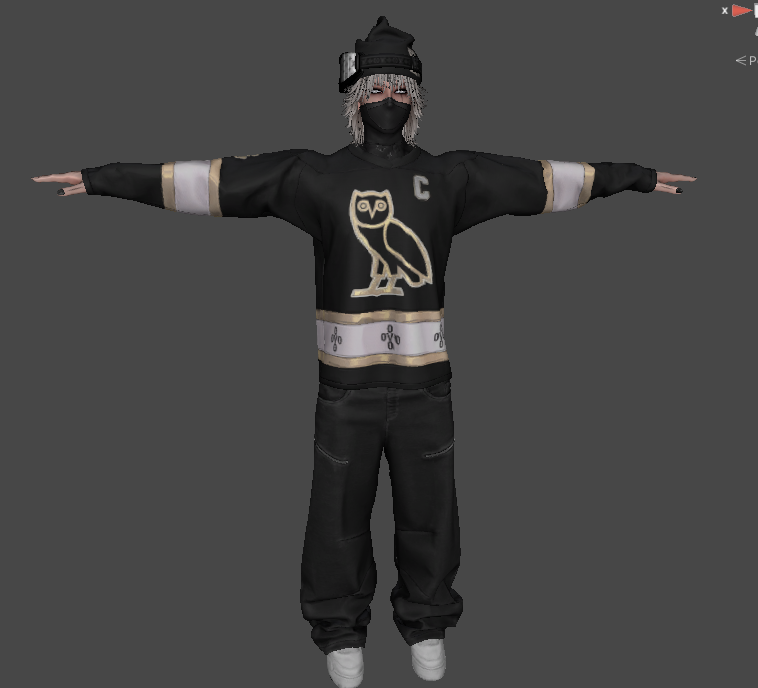
Toggles: Beanie, Mask, Compression Shirt, Band-Aids, Piercings
Colors: Jersey, Pants, Shoes, Beanie, Mask color options
Base
Clothing & Accessories
- [Arm Bandana] Re-Meshed/Re-Textured by Me, [Slavic Hat], [Left Pinky/Ring Finger Rings]
- [Beanie, Elbow Sleeve, Forearm Sleeve, Gloves, Mask, YVL Belt, Cross Choker, Piercings, MNE Earring, R Rings, R Wrist Bracelet, Compression Shirts by Me]
- [Backpack], [Ushanka], [XL Sweater] Re-Textured by Bell
- [H3], [H2], [H4], [H1], [H5]
- [Hat], [Scarf], [Ski Goggles], [L Bracelets], [LV Trainers]
- [Shorts], [Sweats], [Baggy Pants]
- [AF1], [Socks], [J4s], [J3s], [J5s]
Systems & Add-ons
Textures
- Base Face Texture by Hussy and Me
- Blackwork Tattoos by Me
- Cross Tattoo and Red Flower Tattoos by Hussy
- [Starstruck Scars]
Additional Work
- Major credits to [Bell] — many assets including the ones not listed here were created by him. Please check out his shop and show support. Some assets from this model may be released there in the future.

Showcases
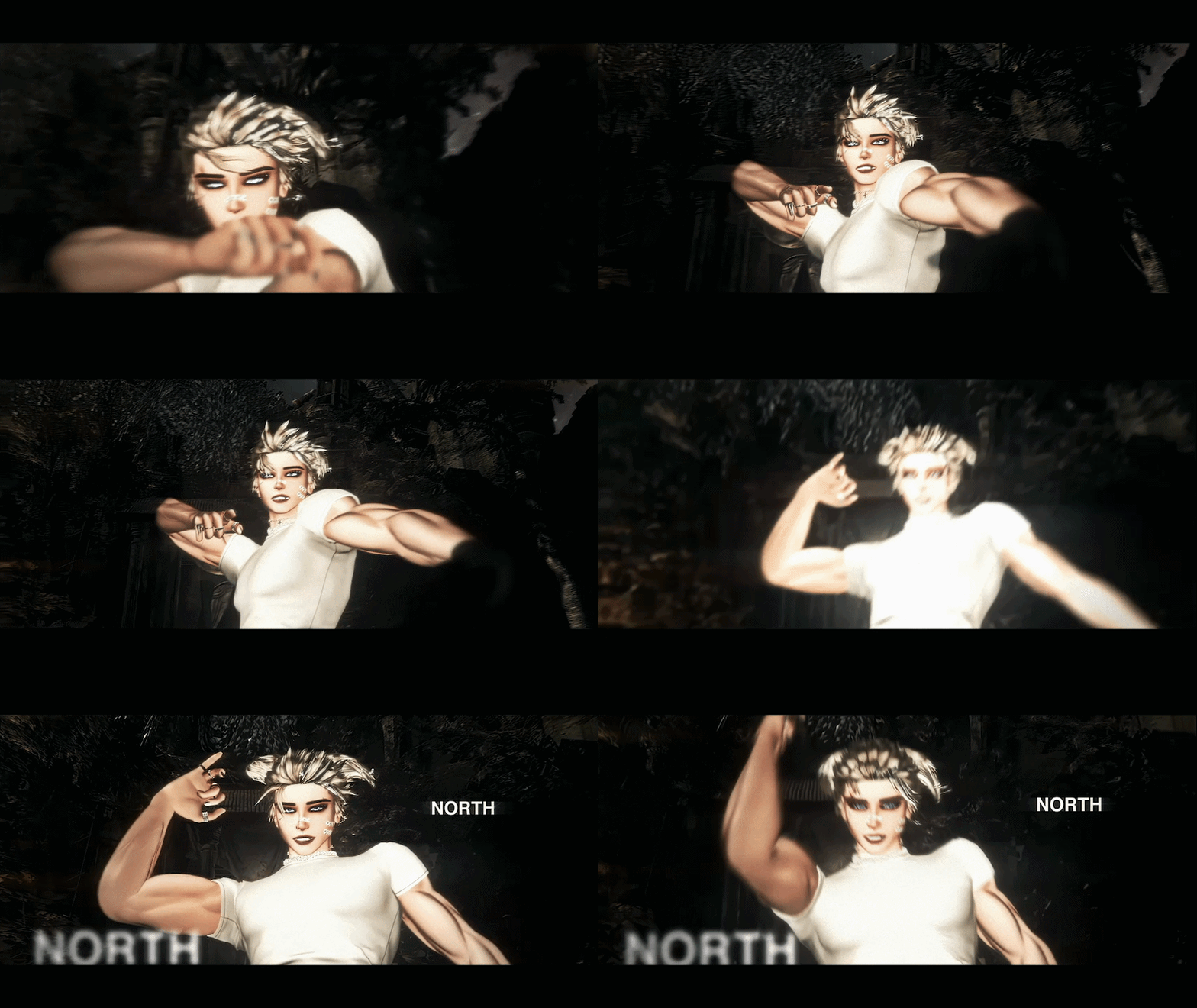
Visuals & Edits
- Pictures and edits by [imskzuki], [proteinlord_], [intoro.vr]
- Renders by Me and edits by [ethemos.vr]

Rules / Terms of Service
- Do not share the package. (For special permissions, create a ticket in the Discord server.)
- No public uploads are allowed.
- Do not extract or resell assets from this model.
- Uploads are available by making a ticket in the Discord.
- All sales are final.